Why convert CSV to TSV at all
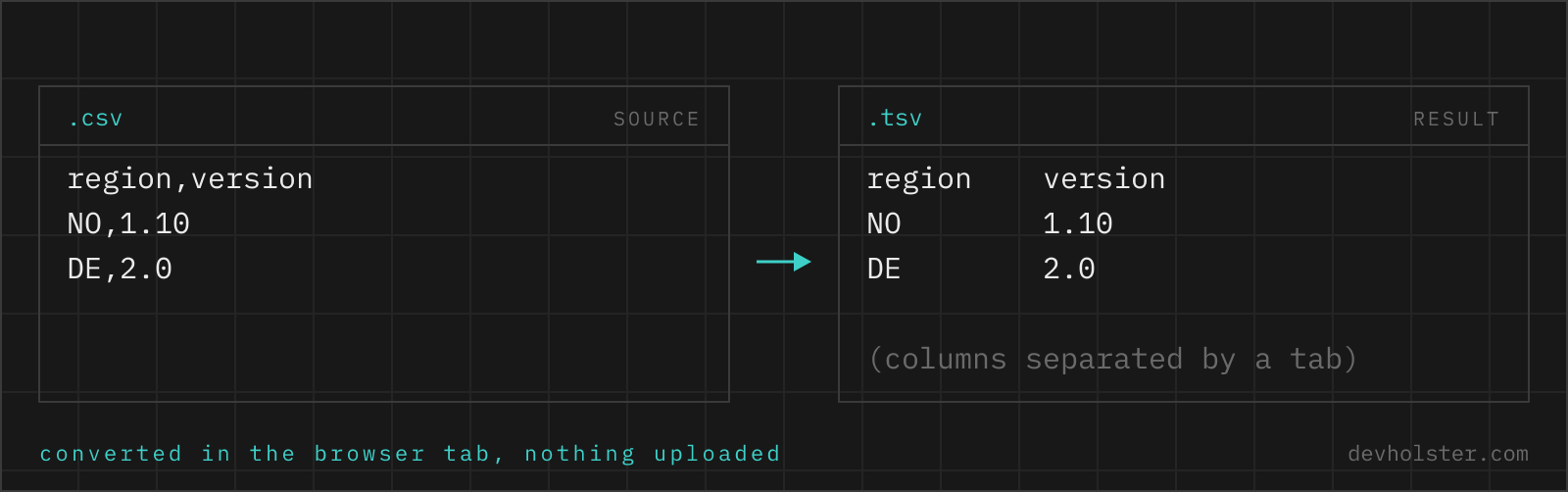
The two formats carry identical data, so the reason to convert is always the consumer. Three show up constantly. First, pasting: Excel and Google Sheets split clipboard text on tabs, so TSV pastes into a grid while CSV lands in one column. Second, tooling that prefers or demands tabs: database bulk loaders, BigQuery and ClickHouse imports, bioinformatics formats built on tab-separated columns, and every Unix pipeline around cut and awk, which default to whitespace and tabs. Third, data that is full of commas: once names like Hopper, Grace and German decimal numbers enter the picture, a comma-delimited file is quoting on every second cell, and switching the delimiter to tab removes most of that noise.
The conversion itself is not just find-and-replace, which is the mistake that corrupts files: a comma inside a quoted cell must survive as a comma, while the delimiters around it become tabs. That distinction requires actually parsing the CSV, and it is what this tool does.
How to use this converter
Paste CSV into the left pane, or drop a .csv file on it, and the TSV appears on the right while you type. The input delimiter is detected from the first line, so comma, semicolon and pipe files all convert without settings.
- Paste or drop your CSV. Quoted cells, commas inside values and line breaks inside quotes are all handled.
- Check the numbers. The strip under the panes shows sizes, line count and the number of rows; if rows merged or split unexpectedly, the input quoting was already broken.
- Copy or download. Copy pastes straight into a spreadsheet as columns; download saves a
.tsvfile that Excel opens correctly on double-click.
--lf
Switches line endings from CRLF (\r\n, the spreadsheet-safe default) to bare LF (\n). Use it for files that live in git, feed Unix pipelines or go to tools that treat a carriage return as part of the data.
The two TSV dialects, strict and Excel-style
TSV is less standardised than people assume, and the two dialects in circulation disagree on exactly one point: what to do when a cell contains a tab or a line break.
- Strict TSV (the IANA
text/tab-separated-valuesdefinition) has no quoting mechanism at all. Every tab is a delimiter, every newline a row boundary, full stop. Fields containing tabs are simply not representable. - Excel-style TSV applies CSV's quoting rules with a tab delimiter: a cell containing a tab, a quote or a line break gets wrapped in double quotes, inner quotes doubled. Excel, Google Sheets and most CSV libraries read this.
This converter emits Excel-style: cells that need protection get quotes, everything else stays bare. For typical data the two dialects produce identical output, because typical data contains no tabs; the difference only surfaces on the cells that strict TSV cannot express at all. If your consumer is a strict parser, the honest options are cleaning tabs out of the data or keeping quoting-aware CSV, and we would rather emit quotes than silently corrupt a multiline cell.
Quoting and edge cases, spelled out
| Input cell (CSV) | Output cell (TSV) | Why |
|---|---|---|
"Hopper, Grace" | Hopper, Grace | Comma is no longer the delimiter, quotes now unnecessary |
"5"" display" | "5"" display" | Contains a quote, stays protected |
| cell with a tab | quoted cell | Tab is the new delimiter |
| quoted cell with a line break | quoted cell with a line break | Row structure preserved |
plain text | plain text | Untouched |
The first row is the quiet win of this direction: converting to TSV usually removes quotes rather than adding them, because the commas that forced the quoting are no longer special. The result is a file that both humans and naive split('\t') parsers read correctly, which no comma-delimited file with real-world names can promise.
Where TSV is the expected format
A non-exhaustive list of consumers where tab-separated input is either required or the path of least resistance: spreadsheet clipboard paste (Excel, Google Sheets, Numbers), MySQL's LOAD DATA INFILE (tab is its literal default delimiter), PostgreSQL's COPY ... FROM in text mode (tab default as well), BigQuery and ClickHouse bulk loads, R's read.delim, and the entire GNU coreutils family, where cut -f2 just works on tabs and needs -d',' plus prayers for CSV.
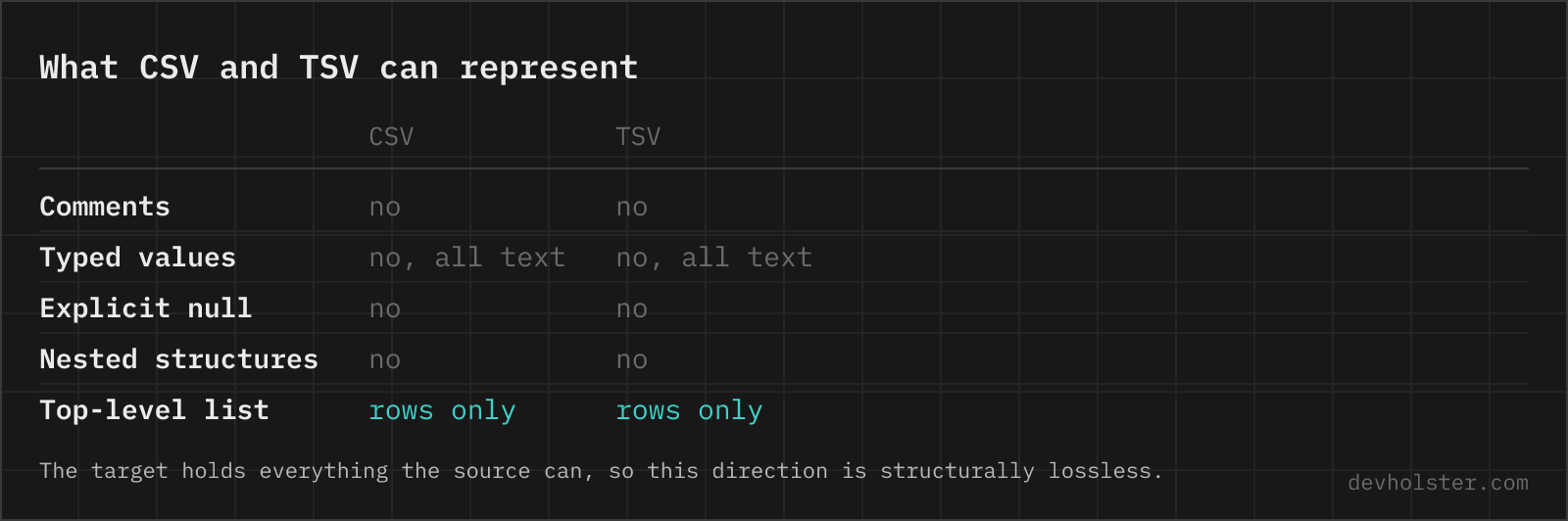
Data that stays inside spreadsheet and database tooling moves smoother as TSV; data that goes to third parties travels as CSV, purely because "CSV" is the word everyone recognises. Since this page and its reverse gear convert losslessly in both directions, the choice is never final.
Pitfalls to check after converting
- Extension decides Excel behaviour. Save as
.tsv(or.txt) for double-click opening. A tab-separated file named.csvshows up as one column in most Excel locales. - Tabs that were data. If the source cells contained tabs, they are now quoted. A strict-TSV consumer will misread those rows; clean the tabs first if that is your target.
- Encoding stays what it was. The converter changes delimiters, not encoding. A CSV with mangled umlauts produces a TSV with the same mangled umlauts; fix the export, not the delimiter.
- Line endings. Default CRLF is right for spreadsheets and Windows;
--lfis right for git and Unix pipelines. Mixing consumers, pick CRLF, it is the more widely tolerated of the two.
Tab-separated files in practice
Is it safe to paste data exports into an online converter?
Only into one that converts in your browser, because exports are where customer lists and financial rows live. A server-side converter receives the whole file and can keep it for as long as it likes. The conversion runs here as JavaScript inside your tab, with nothing uploaded, logged or stored, and it works with the network off. For any other tool the check takes seconds: Network tab open in devtools, convert a dummy file, watch for requests.
What is the difference between CSV and TSV?
Only the delimiter: CSV separates cells with commas, TSV with tab characters. That one change matters in practice because tabs almost never occur inside real data, while commas occur constantly (names, addresses, numbers in European locales). TSV therefore needs far less quoting, splits reliably with a naive split() call, and pastes cleanly into spreadsheets, which is why bioinformatics, data science and database tooling often prefer it.
How do I convert a CSV file to TSV?
Use something that understands quoting, not a find-and-replace of commas with tabs. That shortcut works until the first cell containing "Hopper, Grace", and then it silently shifts every following column of that row. Correct routes: mlr --icsv --otsv cat data.csv with miller, csvformat -T data.csv from csvkit, or in Python pd.read_csv("data.csv").to_csv("data.tsv", sep="\t", index=False). In Excel, Save As and pick "Text (Tab delimited)". A browser converter is the quickest option for a file you have in hand, and its output pastes straight into a spreadsheet, which is usually the reason people want TSV in the first place.
Does pasting TSV into Excel or Google Sheets really work?
Yes, and it is the killer feature of tab-separated text: both Excel and Google Sheets split pasted text on tabs into columns, no import wizard involved. Paste comma-separated text instead and everything lands in one column. Converting CSV to TSV here and pasting the result is the fastest route from a raw CSV to a filled spreadsheet grid.
What happens if a value contains a tab character?
The cell gets wrapped in double quotes, the same RFC 4180 mechanism CSV uses for commas. Spreadsheets and most parsers understand this Excel-style quoting. Genuinely strict TSV (the IANA definition) forbids tabs inside fields entirely; if your target is such a parser, replace inner tabs with spaces before converting, because no delimiter format can carry its own delimiter unescaped.
Can I convert a semicolon-separated file to TSV?
Yes, automatically. The converter looks at the first line and detects whether the file uses commas, semicolons or pipes, so European Excel exports (which use semicolons) convert without any settings. The output side is always tabs.
Why does my converted file still open in one column in Excel?
Almost always the file extension. Excel decides how to split a double-clicked file by its extension: .tsv and .txt trigger tab splitting, .csv triggers the locale delimiter. Download here as .tsv and double-clicking works. If you instead renamed the file to .csv, Excel applies comma logic to tab data and shows one column.
Should line endings be CRLF or LF?
CRLF (\r\n) is the safe default and what this tool emits, because Excel, Windows tools and the RFC agree on it, and Unix tools accept it. Turn on --lf for bare \n endings when the file is destined for Unix pipelines, git-tracked data files or tools that treat \r as data. If you have ever seen a stray ^M in a terminal, that was CRLF meeting a LF-only consumer.
Is TSV faster to parse than CSV?
Meaningfully, yes, when the parser can rely on unquoted fields: splitting a line on tabs is a single pass with no state machine, which is why tools like BigQuery, ClickHouse and classic Unix cut/awk pipelines like tab-separated input. With quoted fields the advantage shrinks, since the parser needs CSV-grade logic anyway. The bigger practical win is fewer quoting bugs, not raw speed.